REA Clones Adobe and Microsoft for Free, and I Cloned REA's Own Website
Description
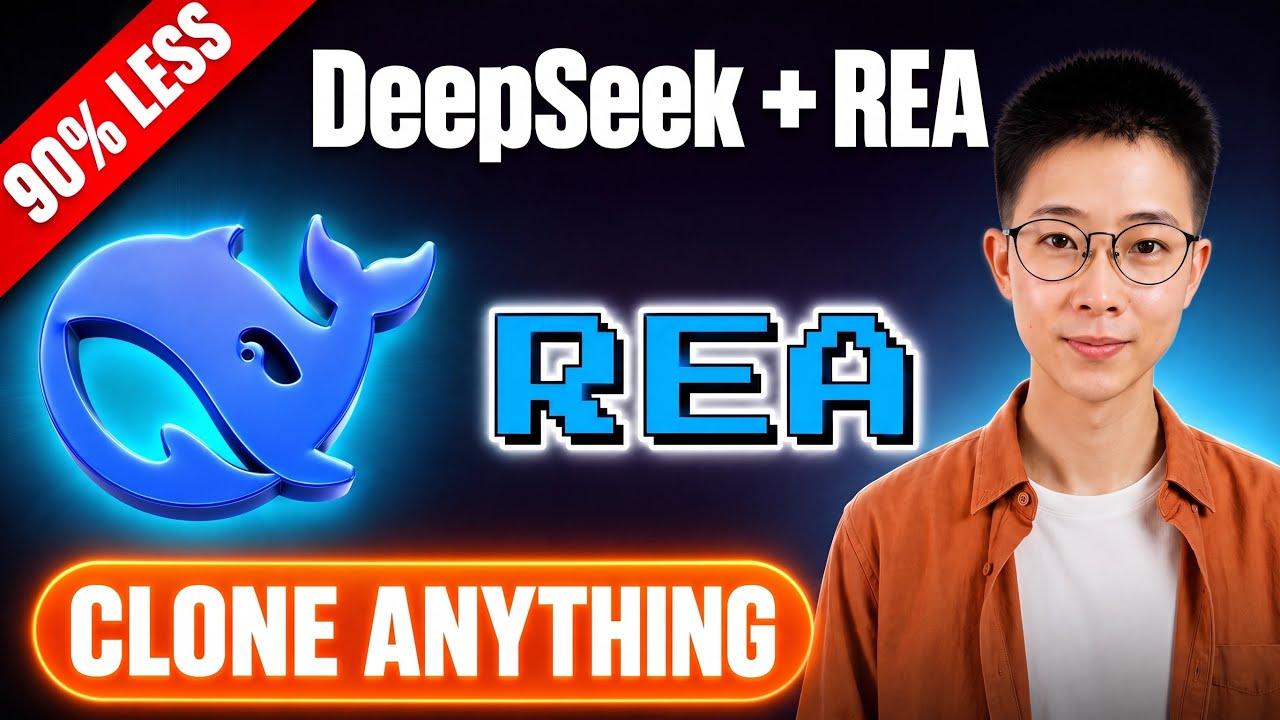
I cloned REA's own website in 5 minutes — using one prompt. Here's everything that just changed about software. In this video, I break down Reverse Engineer Anything (REA), the open-source tool that just hit 250k GitHub stars, and show you how to use it to clone any website byte-for-byte with a single prompt. You'll learn how to install REA on your machine in minutes, reverse-engineer an app, replace Photoshop with PhotoCraft, swap Premiere Pro for FilmCraft, and run DeckCraft, GridCraft, and WordCraft as open-source PowerPoint, Excel, and Word alternatives. Timestamps 0:00 Watch REA hit 250k stars 0:20 Clone any website with one prompt 0:36 What is Reverse Engineering 1:26 Install REA on your machine 1:58 Clone REA's own website 2:43 Watch the dinosaur game work 3:15 Replace PS with PhotoCraft 3:39 Replace PR with FilmCraft 3:56 Replace Office with Craft tools 4:28 Why REA and ArtCraft are Worth Trying 4:45 REA and ArtCraft Toolkit Related video 👉 https://youtu.be/4ri-oESeZZQ?si=gWW6s_IKAYGmFBkC
 3:10
3:10
 4:48
4:48
 4:36
4:36
 3:55
3:55
 8:01
8:01
 9:25
9:25
 2:15
2:15
 3:24
3:24
 5:15
5:15
 4:48
4:48
 4:46
4:46
 8:19
8:19
 6:09
6:09
 3:55
3:55
 4:11
4:11
 8:01
8:01
 2:19
2:19
 4:48
4:48
 3:01
3:01
 2:27
2:27
 3:20
3:20