iPhone DUO – 20 MUST-DO Settings First!
Описание
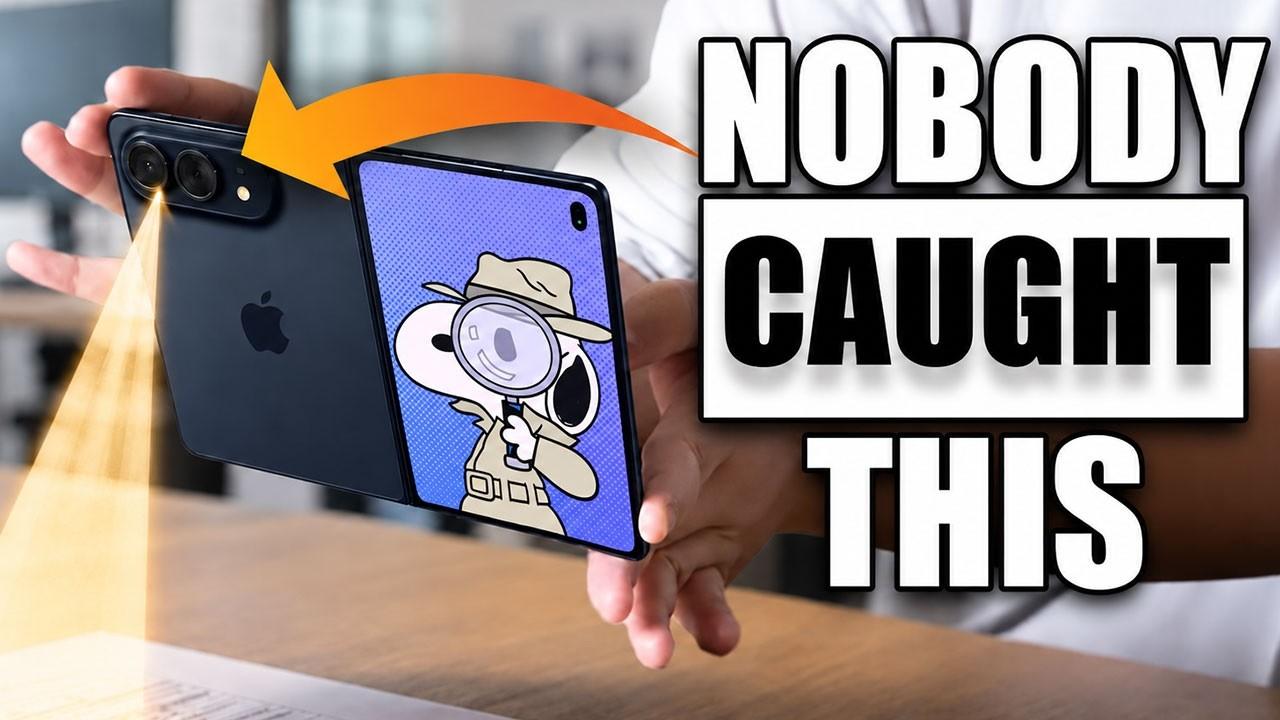
Just picked up the all-new iPhone DUO? Before diving in, there are several crucial settings, gestures, and hidden features you should customize immediately to unlock its full potential. From mastering dual-screen multitasking and optimizing Touch ID to fixing rotating volume controls and display settings for thick cases, here is everything you need to set up on day one! Timestamps 0:00 – Intro & House Update 0:28 – Check Battery Health & Cycle Count 1:00 – Fix "Find My" Primary Device 1:42 – Enable Apple Intelligence (Siri AI) 2:12 – Split Screen Gestures & App Swapping 3:08 – How to Pair & Lock Dual Apps Together 3:30 – Quick Access Control Center Gesture 4:38 – Touch ID Guide & Screen Placement 5:32 – Add Multiple Fingerprints for Easy Unlocking 6:11 – Enable "Rest Finger to Open" 6:29 – Fix Inverted Volume Button Controls 7:14 – How to Screenshot on iPhone DUO 7:24 – Kickstand Mode & MagSafe StandBy Display 7:52 – Dual Preview Camera & Kid Mode Feature 8:40 – Shift Left Edge for Thick Cases 9:27 – Wrap Up & Recommended Watch 📲 Follow Me for Behind the Scenes on Social Media: Instagram: @eddien7 X: @HOTSHOTN7 Twitch: @hotshot2ss 🔥 Exclusive Viewer Promotions and Discount Codes! 🔥 Try Audible and Get TWO FREE Audiobooks!: https://amzn.to/2QjQJCM Try Amazon Prime 30-Day FREE TRIAL: https://amzn.to/2Qq2k3i Amazon FreeTime Unlimited FREE Trial: https://amzn.to/2W1fsBI 🎥 Equipment Used in This Video: Chair by Secretlab: https://bit.ly/2SEFhSa Microphone: DJI Mic - https://amzn.to/3RQYoqA Camera: Sony Alpha A6600 - https://amzn.to/3d0uKQU Disclaimer: Our links may be affiliated with Amazon and other stores. To find out more, click here: http://bit.ly/2DiiOVI
 8:47
8:47
 8:18
8:18
 8:02
8:02
 12:44
12:44
 8:51
8:51
 9:52
9:52
 12:51
12:51
 9:15
9:15
 13:43
13:43
 12:36
12:36
 3:29
3:29
 8:19
8:19
 10:28
10:28